IMPLICATOR
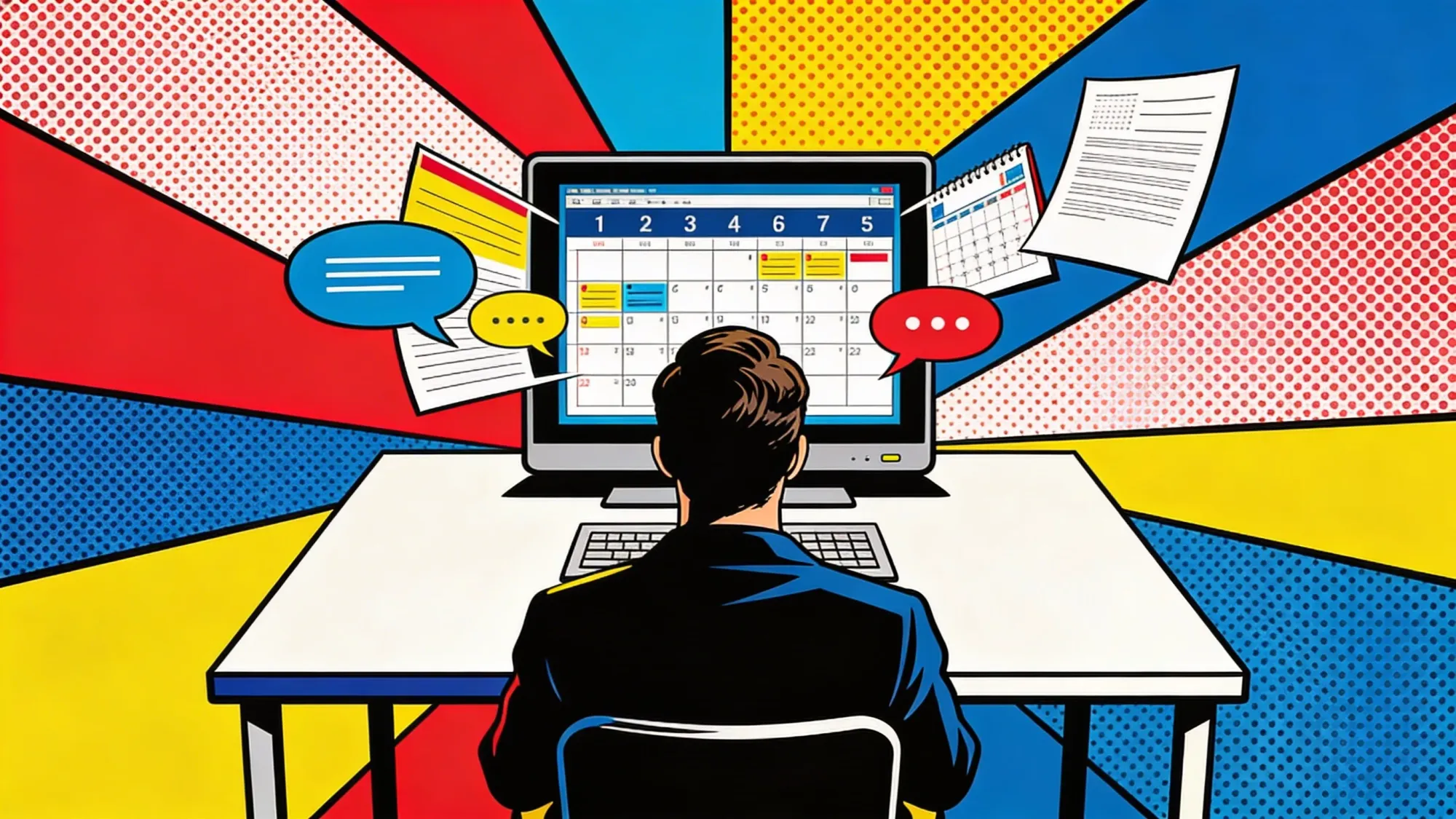
Eight browser tabs. Slack in one, Google Calendar in another, Linear tickets in a third, a Google Doc for meeting notes that nobody updated since last Thursday. You spend the first twenty minutes of every workday just clicking between them, copying information from one window into another. It feels exhausting before the actual work even starts.
Claude Code can replace that wiring. Four MCP integrations and a disciplined folder structure turn the terminal-first workflow gaining traction among engineers into something product managers, project leads, and anyone drowning in Slack threads can use too.
Setup takes under an hour. Four integrations, one folder system, a couple of custom skills. Your terminal pulls calendars and posts Slack updates. It checks Reddit sentiment too, if you want. No browser required.

The Breakdown
- Four MCP integrations (Google, Slack, Linear, Reddit) replace browser tab switching in under an hour of setup
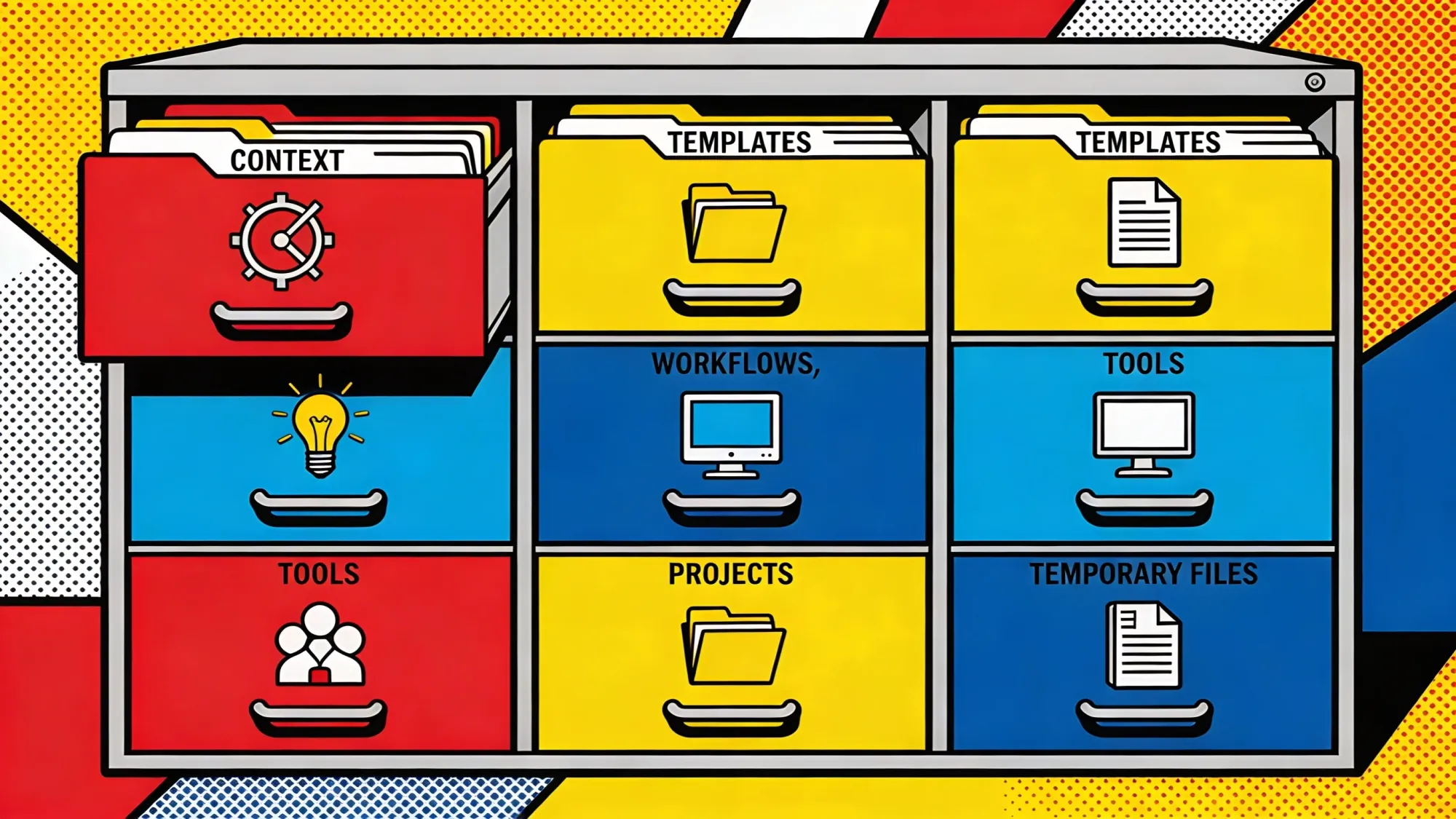
- A six-folder directory structure keeps every Claude Code output organized and findable weeks later
- A "second opinion" skill sends plans to ChatGPT, Gemini, and Grok simultaneously for cross-model review at pennies per run
- Slack integration posts messages under your name, not a bot account, which demands careful review before sending
Google Workspace comes first
Google Cloud configuration is the heaviest lift. You create a Google Cloud project and flip on the APIs you need: Calendar, Docs, Drive. Then generate OAuth credentials. Sounds tedious. It is. But the terminal walks you through the auth handshake once the credentials file lands in the right directory.
After that first setup, the payoff is immediate. Ask Claude to check your calendar for the day, and it pulls meetings with times and attendees. Ask it to open a meeting's Google Doc and draft agenda items based on your Linear tickets. Claude already knows which MCP tools are available. It picks the right one without being told.
Just this one integration eliminates three context switches from a typical morning. Calendar in one tab, Docs in another, Linear in a third. All that wiring now feeds into the same terminal session.
Linear and Slack close the loop
Linear requires almost no configuration. One line in the MCP config file, an API key, and Claude Code starts pulling tickets, priorities, and sprint status. It grabs in-progress issues and flags blockers alongside the calendar data.
Slack gets more interesting. The official Slack MCP exists but remains limited to preferred partners. An unofficial MCP integration sends messages as the authenticated user, not a bot. Have Claude draft a project status update and post it directly to a team channel. The message shows up under your name.
Smart move: have Claude draft the message first, review it in the terminal, then approve the send. Messages go out as you, not as a bot. That distinction should make you nervous in the right way.
Reddit rounds out the stack. Because Reddit blocks Claude's built-in web fetch tool, a dedicated MCP bypasses that restriction entirely. Pull top discussions from r/ProductManagement, run sentiment analysis across threads. For PMs tracking industry conversations or competitive signals, the integration eliminates manual subreddit browsing.
Join 10,000+ AI professionals
Strategic AI news from San Francisco. No hype, no "AI will change everything" throat clearing. Just what moved, who won, and why it matters. Daily at 6am PST.
No spam. Unsubscribe anytime.
The folder system that holds it together
Tools without organization create mess. Files land in random directories, scripts pile up unnamed, and three weeks later you're grepping for that one workflow you built at midnight. The most transferable part of this whole setup is a folder structure any Claude Code user could wire up in an afternoon.
Six directories, each with a specific purpose. A context folder stores company information, product specs, quarterly goals, anything that changes slowly and informs every conversation. A templates folder holds reusable formats for Slack messages, ticket updates, status reports. A workflows folder contains multi-step processes, each step in its own file so individual pieces can be edited without breaking the chain. A tools folder keeps API scripts and documentation together. A projects folder gets a new subfolder for every initiative, containing PRDs, research, and working documents that stay scoped to that project. And a _temp folder acts as a scratch pad for one-off tasks like drafting emails or reviewing documents.
Projects solves the mess problem directly. Without structure, Claude drops generated files wherever it pleases. With a clear directory hierarchy, every output has a home.
Two skills worth stealing
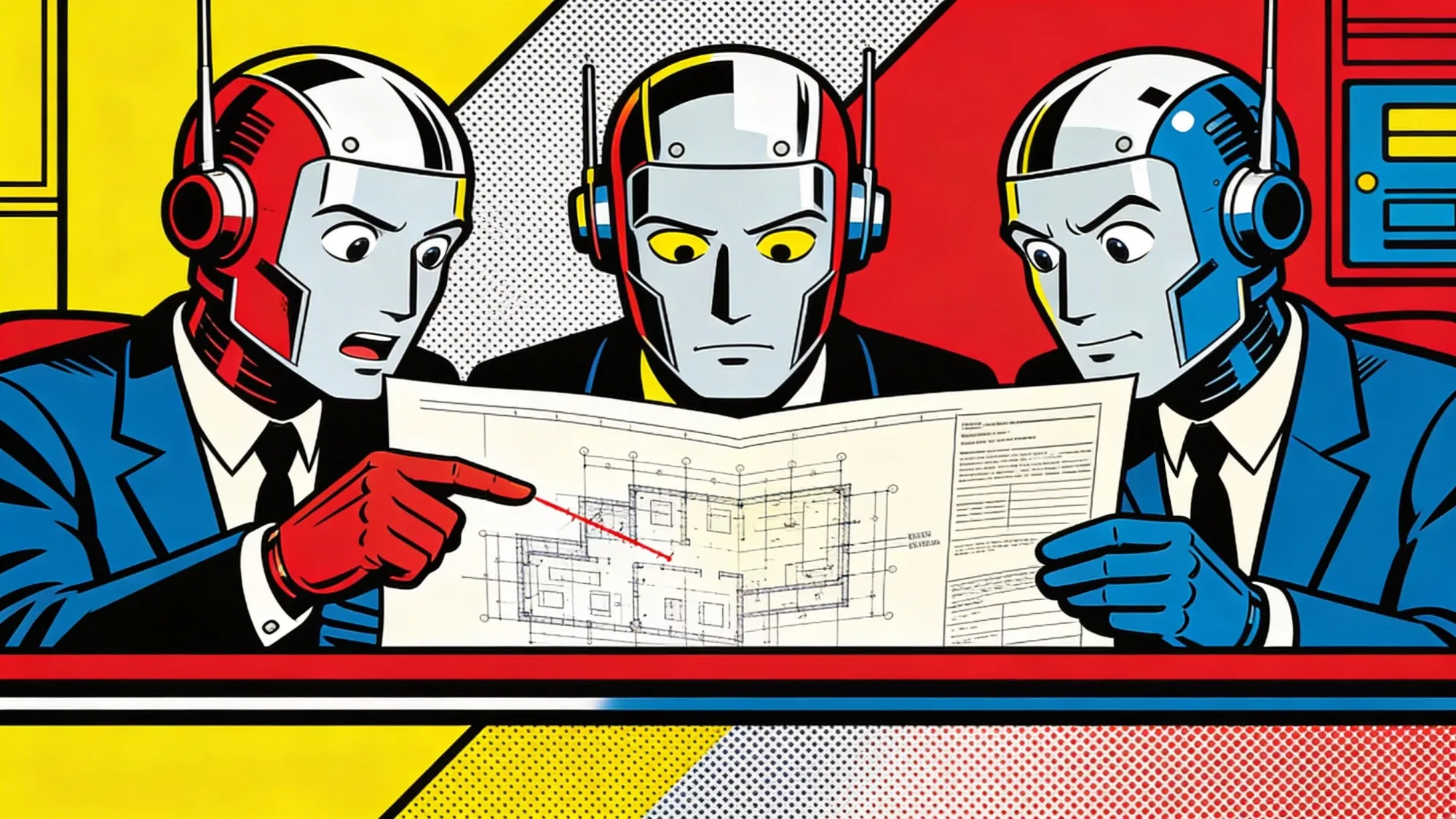
A custom skill called "second opinion" sends implementation plans to ChatGPT, Gemini, and Grok simultaneously via their APIs, all set to maximum reasoning. The results come back into Claude Code for comparison. Cost per run lands at a few cents since it hits APIs directly, no subscription needed.
Each model approaches problems differently. One catches what the others miss. Run it for spec review, address the feedback, run it again until all models agree the plan is solid. The whole loop stays inside Claude Code.
A second skill pipes image prompts through the NanoBanana API to Gemini's image models. Claude writes the prompt, calls the script, saves the output. You watch the cursor blink for about thirty seconds, and an architecture diagram for a product PRD appears in your output folder.
Start simple, expand later
Start with workflows as plain markdown files. Refine them through use. Only convert a workflow into a formal Claude Code skill once it proves reliable. Starting in files keeps iteration cheap. Lock something into a skill too early and you're stuck editing a rigid format when the workflow still needs room to breathe.
Yes, the first hour hurts. Credentials, config files, folder naming. But once you close those eight tabs for the last time, you feel it in your shoulders. No more toggling between apps to assemble a morning briefing. No more copying ticket numbers from Linear into a Google Doc by hand. The next step is connecting more tools, and every new MCP server plugs into the same terminal session that already holds the rest. The tab graveyard stays closed.
Frequently Asked Questions
What is MCP and why does Claude Code need it?
Model Context Protocol is an open standard that lets AI tools connect to external services through structured server definitions. Claude Code uses MCP to call APIs for Google Calendar, Slack, Linear, and Reddit directly from the terminal, eliminating the need to switch between browser tabs or copy data manually between apps.
Does the unofficial Slack MCP integration violate Slack's terms of service?
The unofficial MCP sends messages as the authenticated user, not through a sanctioned bot framework. Slack's API terms require apps to go through the official review process for distribution. Using an unofficial integration for personal productivity in a workspace you control is a gray area. Enterprise IT teams may block it.
How much does the second opinion skill cost per query?
A few cents per run. The skill hits ChatGPT, Gemini, and Grok through their APIs directly, bypassing subscription tiers. API pricing varies by model and token count, but a typical spec review stays well under ten cents across all three providers combined.
Can non-engineers use this setup without coding experience?
The article targets product managers and project leads specifically. Google Cloud credential setup requires following documentation carefully, and the MCP config file uses JSON syntax. No programming is required, but comfort with terminal commands and config files helps. The folder structure and workflow files use plain markdown.
What happens if one of the MCP servers disconnects mid-session?
Claude Code handles MCP server failures gracefully. If a server drops, tools from that server become unavailable but the rest of the session continues. Reconnecting usually means restarting Claude Code. The terminal will show which servers loaded successfully on startup.

Marcus Schuler
Editor-in-Chief and founder of Implicator.ai. Former ARD correspondent and senior broadcast journalist with 10+ years covering tech. Writes daily briefings on policy and market developments. Based in San Francisco. E-mail: editor@implicator.ai