 IMPLICATOR
Implicator PRO Briefing / 5 May 2026
The Hermes Agent quickstart on the Nous Research documentation site instructs new users to open a terminal and run a shell installer from the NousResearch/hermes-agent repository. After the installer finishes, the documented setup sequence walks through model provider selection, gateway pairing, channel authorization, tool registration, memory configuration, and cron entries that continue to run after the operator leaves the keyboard.
That sequence positions Hermes as a personal operations service rather than a chat product. According to the project documentation, messages from Telegram, Discord, Slack, WhatsApp, Signal, email, or the CLI reach an agent process on a local machine, a home server, or a VPS, where the host stores compact user and project facts, searches prior sessions through SQLite FTS5, installs or creates skill files, routes prompts to a configured model provider, calls registered tools, and executes scheduled tasks.
The verified source base for this analysis is a May 1, 2026 research package built from official Hermes documentation, the Hermes GitHub repository, OpenClaw documentation, OpenClaw GitHub metadata, release notes, model pricing pages, cloud pricing references, and OWASP and NIST security material. A May 2 GitHub API spot check still showed Hermes' latest release as v2026.4.30, named Hermes Agent v0.12.0, and OpenClaw's latest release as v2026.4.29. Both repositories had been pushed again on May 2, which is a useful warning for readers: these projects are active enough that operational details can change faster than normal product reviews age.
Hermes is worth testing if you are a developer, researcher, journalist, or home-lab operator who wants a private command center for research, file retrieval, scheduled monitoring, and infrastructure checks. It remains too demanding to be a low-maintenance consumer assistant, because the same install that creates a useful assistant can also create a badly permissioned service.
Key Takeaways
- Hermes is a server-resident agent runtime, not a standalone model or ordinary chatbot.
- Installation is simple; safe operation depends on providers, allowlists, tools, memory, and cron limits.
- Hosted models lower hardware needs, while local models move the burden to RAM, context length, and maintenance.
- OpenClaw has broader channel and control-plane documentation; Hermes is more focused on a Python server-agent loop.
AI-generated summary, reviewed by an editor. More on our AI guidelines.
The agent is the service, not the chat
The Hermes documentation is organized around gateway access, provider configuration, memory, skills, cron, tools, and security controls. The public GitHub repository lists the project as MIT-licensed Python code from Nous Research. That framing is useful because Hermes is not a model. It is the service that calls a model, stores a little state, receives messages, and decides which local or remote tool may be used.
A browser chatbot session ends with the tab. Hermes runs as a host process that persists between conversations. The per-user install documented on the Nous Research site places the repository under ~/.hermes/hermes-agent, links the command-line entry point into ~/.local/bin/hermes, and stores runtime data under ~/.hermes/, where the configuration, session state, memory files, logs, and skill directory together form the audit target an operator inspects when later behavior diverges from expectations.
The gateway moves the control surface out of the terminal. Hermes documents platform pairing and allowlists for Telegram, Discord, Slack, WhatsApp, Signal, email, and CLI access. A Telegram message can therefore reach a background process on a home server. A Discord request can be routed toward a file tree. A cron job can run after the user has left the keyboard, with the result delivered back through a chat channel.
The provider page points in the same direction. Hermes documents hosted providers, local providers, OpenRouter, Anthropic, Google/Gemini, Ollama, LM Studio, custom OpenAI-compatible endpoints, and other routes. The model can change from a cheap API endpoint to a stronger hosted model or a local Ollama instance. The surrounding service remains the part that remembers, schedules, authorizes, and acts.
That provider choice is also the privacy decision. Prompts and tool output can leave the machine when Hermes calls OpenAI, Anthropic, Google, OpenRouter, Nous Portal, or another hosted service. A local Ollama or LM Studio endpoint keeps more data inside the operator's environment, but the tradeoff moves to model quality, latency, context length, and maintenance. A local model that is fine for notes may still be weak at multi-step tool work.
What Hermes actually remembers
The memory documentation describes two Markdown files under ~/.hermes/memories/: MEMORY.md and USER.md. The May 1 research package recorded the documented limits at about 2,200 characters for MEMORY.md and 1,375 characters for USER.md, with a frozen snapshot injected when a session starts.
That is a compact memory layer, not a full personal archive. Hermes can also search prior sessions through session_search, backed by SQLite FTS5 over ~/.hermes/state.db, and its docs list optional external memory providers. The practical model is therefore small injected context, session search, optional memory services, and skills that preserve procedures.
Release v0.12.0 added Curator and self-improvement work, according to the release notes retrieved for the research package. Those features should be read as procedure and memory maintenance. A skill can capture a repeated workflow; a memory file can preserve a preference; a session search can recover an old answer. None of that changes the underlying LLM.
The inspectable files are a useful control for technical users. They are also persistence points. A wrong memory, stale preference, or generated skill can survive across sessions until someone removes it. A weekly review of ~/.hermes/memories/, ~/.hermes/skills/, and scheduled jobs is part of operating Hermes, not housekeeping after the fact.
How to install without fooling yourself
The Hermes installation guide says Git is the only manual prerequisite on Linux, macOS, WSL2, and Termux. The installer handles uv, Python 3.11, Node.js v22, ripgrep, ffmpeg, the repository clone, virtual environment, global command setup, and LLM provider configuration. The install page currently uses a curl -fsSL ... | bash command from the NousResearch/hermes-agent repository; users should copy it from the live docs so the URL and installer path are current.
After installation, the quickstart sequence points users toward hermes setup, hermes model, hermes doctor, hermes gateway setup, hermes gateway status, hermes tools, and hermes skills. Run the CLI path first. Add one provider only after that works. Add one messaging channel after the provider is stable. Tools and cron should wait until the operator has seen a normal request go through the system.
For API-based use, ordinary hardware is enough. When inference runs at OpenAI, Anthropic, Google, OpenRouter, Nous Portal, or another provider, the local machine mostly keeps the gateway and orchestration layer alive. A trial can start on about 2 CPU cores, 4 GB RAM, and 10 GB free disk. Daily use is more comfortable on 4 CPU cores, 8 GB RAM, SSD storage, backups, and a stable network address.
Local inference changes the budget. Hermes can call local providers, but the model decides the hardware requirement. A small quantized model may run on recent Apple Silicon or a modest GPU. Tool-heavy agent work still needs context length, reliable instruction following, and acceptable latency. Hermes' provider documentation tells users to verify endpoint, model name, and context length for local or custom providers because a model that chats well may still fail a file or tool workflow.
A small VPS can run the gateway when hosted APIs do the model work. A thin experiment can start on 1 to 2 vCPU and 1 to 2 GB RAM. Daily use belongs closer to 2 vCPU and 4 GB RAM. Browser automation, many cron jobs, or containerized tool execution can push the host toward 4 vCPU and 8 GB RAM. DigitalOcean and Hetzner pricing pages make the operational point plain: model calls can cost more than the server.
The policy work starts after the command succeeds. Use a dedicated OS account, avoid root, keep secrets out of chat, begin with one channel and a strict allowlist, and give Hermes a test folder before a home directory. Shell and file writes should stay under manual approval while the operator learns the command flow. Docker, SSH, or another restricted backend is the better first home for risky terminal work.
How the pieces fit together
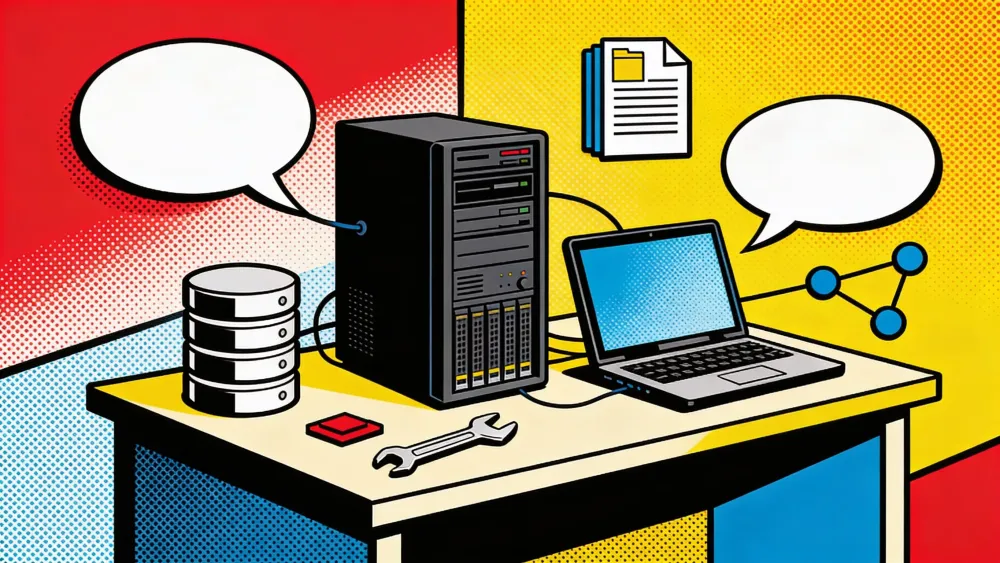
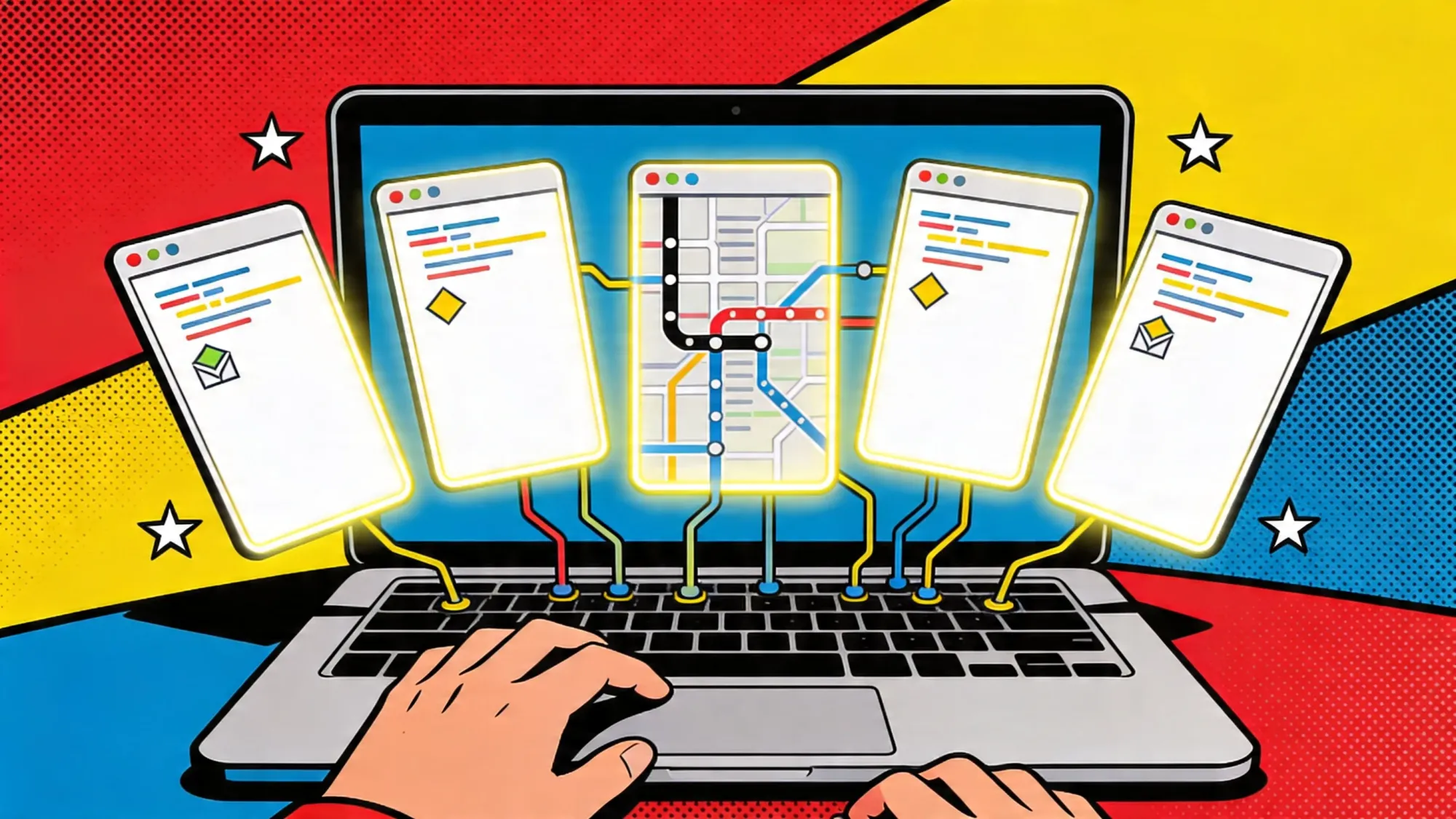
The useful mental model is a small service with several failure points, not a single chatbot. The host keeps the process alive. The provider supplies inference. The gateway maps chat channels to the agent. Local state covers sessions, memory, skills, and configuration. Tools expose the actions the model may request.
That split makes debugging less mysterious. Bad answers usually start with the provider or model selection. A working CLI plus a silent Telegram bot points to the gateway token, pairing, or allowlist. Missing old context points to memory, session search, or the active profile. File access outside the expected folder is almost always a host-permissions problem.
The host should be run like any other small service: logs, backups, restart instructions, updates, and a named owner. A laptop can prove the idea over a weekend. It is the wrong base for daily cron work if it sleeps every night. A VPS avoids the sleep problem, but exposed ports and broad SSH access create their own management risk. A home server has the richest local context and the most sensitive files.
Hermes' quickstart advice to avoid routing and fallback until one provider works is worth following. A cheap model can check whether a log contains an error. It may fail when asked to inspect a repository and propose a patch. Add one provider, test it, then add routing if the base path is stable.
Each gateway brings its own account model. Telegram requires a bot token issued by BotFather. Discord requires an application and bot user. Slack requires a workspace app with OAuth scopes. WhatsApp via the Hermes documentation requires a Meta WhatsApp Business account. A chat account that controls the agent is itself an access credential and should be enrolled in the same password manager and 2FA policy as any other admin account. Direct-message behavior should be confirmed against the gateway allowlist before any group channel is enabled.
Memory files, skills, and cron entries persist between sessions and can carry stale instructions forward. File writes, shell execution, browser automation, Home Assistant integration, SSH, and MCP servers each expand the range of actions a chat message can trigger. Before any tool is enabled, the operator should record which actions it can take without a separate human approval step.
What the hardware decision really means
A low-cost trial can run on a laptop, Mac mini, Linux box, or $5 to $10 VPS if the model call goes to a hosted provider. Keep the first test boring: one provider, one channel, no email, no calendars, no drives, no publishing systems, no production servers. The host may already be paid for, but long research runs can still create API costs.
The practical solo version needs an always-on host, backups, private network access, one or two chat channels, restricted file scope, and a model-spend ceiling. At that point Hermes can do work a browser chatbot cannot do: reuse local conventions, search old sessions, run scheduled checks, and deliver results to the phone. The same setup also creates more things to inspect: logs, memories, skills, platform tokens, and model keys.
A home-lab version belongs in a VM or mini PC before it belongs on a workstation full of private files. Local notes, logs, Home Assistant, MCP servers, and an Ollama or LM Studio endpoint are plausible additions. Tailscale or WireGuard can keep access away from the public internet. Docker or SSH backends give tool execution a narrower place to run. For Home Assistant, start with status queries; locks, alarms, routers, cameras, and power controls need a human gate.
Hosted-model Hermes runs on ordinary CPU hardware. Local inference adds GPU planning around VRAM, system RAM, memory bandwidth, context length, quantization, and latency. The Hermes provider documentation lists Ollama, LM Studio, and custom OpenAI-compatible endpoints, but the model weights and serving binary determine the hardware budget. A locally hosted model that keeps the user's notes inside the LAN may still produce weaker tool calls than GPT-5 or Claude on hosted APIs, while the hosted route trades some latency reduction for additional egress of prompts and tool output across a provider boundary.
The use cases that make sense
The strongest fit for Hermes appears where persistence delivers measurable value and permissions can be drawn around a small surface. Scheduled monitoring is one such case. The Hermes cron documentation describes one-shot and recurring jobs, platform delivery routing, skill attachment, and gateway-daemon execution, and the lower-risk starting jobs are read-only: a weekday source scan against an Inoreader feed, a weekly folder summary written to disk, or a nightly check on /var/log/backup.log for the previous evening's exit status. Common failures across those jobs are provider outages, expired API tokens, gateway crashes, and configuration that points the agent at the wrong source folder.
Research support is the second plausible role. An analyst or working journalist can request prior notes on a company through Telegram, ask for a summary of the most recent additions to a clipping folder, or request a topic watch-brief that runs against the local Markdown archive. The Hermes tool layer can collect and organize material, while outbound communications, publication actions, and confidential-source handling belong behind human review on a separate workflow, and source notes should sit outside the first allowed file scope.
In a home lab, the lowest-risk first deployment is observability. Hermes can summarize syslog or journald output, query the status of containers and systemd services, talk to Home Assistant for sensor readings, and report on backup completion. Service restarts, router configuration changes, power-control actions, locks, alarms, and cameras require a separate approval path because the cost of an erroneous tool call is higher than a dropped session log.
File retrieval works when the boundary is enforced at the operating-system level. A scoped project folder, an Obsidian vault used for non-sensitive notes, a clipping archive, or a /var/log slice produces useful results. A full home directory exposes too much, and browser profiles, password stores under ~/.config/, SSH key material under ~/.ssh/, Apple Mail or Outlook exports, cloud-drive sync folders, accounting records, and confidential source material should remain outside the agent's read scope.
Publishing and social-media work should remain draft-only. Hermes can assemble Mastodon posts, LinkedIn summaries, or newsletter drafts and write them to a folder for human review, but a Telegram message that triggers a direct Twitter or LinkedIn post creates an unrecoverable public state if the model misreads the prompt or the chat identity is compromised. Coding and DevOps work follows the same pattern: repository inspection through ripgrep, file reads, and proposed shell commands are reasonable starting points, while production database credentials, deployment keys, and cloud-account API tokens belong outside the agent's permission scope until logging and approval flows have been tested for several weeks.
Pros and cons
Continuity is what separates Hermes from a browser session. The host process stays running, retains compact context across days, can be reached by a Telegram message from a phone, and continues to execute cron entries while the operator is away from the keyboard. Inspectability follows from the file layout: memories live in ~/.hermes/memories/MEMORY.md and USER.md, skills live under ~/.hermes/skills/, the SQLite session database is at ~/.hermes/state.db, and any of those can be opened in an editor, reviewed, or deleted. Hosted chat products such as ChatGPT and Claude expose less of that surface to the user.
Provider flexibility is documented at the configuration level. The Hermes provider page lists OpenAI, Anthropic, Google, OpenRouter, Nous Portal, Ollama, LM Studio, and custom OpenAI-compatible endpoints, which lets an operator route inexpensive log checks to a small hosted model, multi-step tool work to GPT-5 or Claude Opus 4.7, and private retrieval to a local Llama or Qwen instance. When a provider raises prices or limits a workload class, as Anthropic did when it ended OpenClaw subscription routing on April 4, 2026, configuration moves the workload without code changes.
Channel coverage is practical for solo operators rather than cosmetic. The Hermes gateway documentation lists Telegram, Discord, Slack, WhatsApp, Signal, email, Home Assistant, and CLI support, and a private Telegram chat tends to see more daily use than a separate dashboard. Skills are the last documented advantage. A skill file under ~/.hermes/skills/ can encode a deployment checklist, a writing style guide, a research procedure, or a tool convention, and the v0.12.0 release notes describe Curator and self-improvement work that maintains those files. The release notes treat procedure maintenance as a first-class agent capability rather than a side effect of model upgrades.
Get the weekly briefing on AI agents that actually matter
Strategic AI news from San Francisco. No hype, no "AI will change everything" throat clearing. Just what moved, who won, and why it matters. Daily at 6am PST.
No spam. Unsubscribe anytime.
The weaknesses sit on the operator side of the install. Running Hermes well requires log review, token rotation on the gateway and provider sides, periodic inspection of memory files and skills, package updates from the NousResearch repository, monthly provider-bill checks, and channel re-tests after Telegram, Discord, or Slack push platform changes. None of that work is exposed in the chat surface.
Reliability evidence remains thinner than the documentation. The official pages cover feature behavior in isolation, but the May 1, 2026 research package compiled for this article did not include a clean-host install benchmark, a 30-day uptime run, or a comparative test across the listed channels. Readers should treat this guide as an architecture reference rather than a vendor certification.
Model selection forces a tradeoff that has no clean answer. Local models served through Ollama or LM Studio reduce data egress, but the open-weight stacks at GPT-OSS-class quality still trail GPT-5 and Claude Opus 4.7 on multi-step tool tasks measured on benchmarks such as SWE-bench Verified and Tau-Bench. Hosted models close that gap and add monthly bills, rate limits, retention policies, and provider-policy exposure, as Anthropic's April 4, 2026 OpenClaw decision demonstrated.
Permission scope tends to expand without an explicit checkpoint. A folder used for testing can grow into a notes vault, a Slack bridge, a Home Assistant integration, a cron scheduler, an SSH backend, a browser agent, and a publishing helper, with each addition individually defensible. The combined permission set should be written down on the operator's host and reviewed against the user-account file scope before each new tool is added.
Security complexity carries through the OWASP LLM Top 10 categories. Prompt injection, sensitive-information disclosure, excessive agency, insecure plugin design, supply-chain risk, memory poisoning, malicious file ingestion, channel compromise, tool abuse, and credential leakage all map to documented Hermes features. The Hermes security page lists approval modes, command blocklists, user authorization, container isolation, MCP credential filtering, context-file scanning, cross-session isolation, and input sanitization, and an approval prompt only blocks an unsafe action when the operator understands the proposed command well enough to refuse it.
Release cadence has been rapid. The Hermes repository was pushed on May 2, 2026 with v0.12.0 (v2026.4.30) as the latest tag, and OpenClaw shipped v2026.4.29 the same week. The pace suits experimentation and works against operators who want a quiet appliance.
Where OpenClaw differs
OpenClaw is the closest comparison because it is open source, local-first in its positioning, multi-channel, and organized around a persistent assistant. The stack feels different. Hermes is a Nous-backed Python server agent. OpenClaw is a TypeScript personal assistant platform with a broader control-plane feel.
The OpenClaw getting-started docs recommend Node 24 or at least Node 22.14+, a model API key, an install script or npm path, openclaw onboard --install-daemon, gateway status checks, and dashboard commands. That is still technical. It is also more guided than Hermes' CLI-first path.
OpenClaw advertises more channels. Its README covers the core surfaces and adds Google Chat, iMessage, IRC, Microsoft Teams, Matrix, LINE, Mattermost, Nextcloud Talk, Nostr, Synology Chat, Twitch, Zalo, WeChat, QQ, and WebChat. Hermes covers the channels most solo users are likely to try first. OpenClaw points at a larger product surface.
The memory split is also material. Hermes uses compact MEMORY.md and USER.md files, session search, and optional external providers. OpenClaw documents Markdown memory files, date-based memory, optional active memory, and a Memory Wiki with pages, claims, evidence, contradiction, and freshness tracking. Researchers may prefer OpenClaw's evidence-style model. Operators who want fewer persistence surfaces may prefer Hermes.
OpenClaw's security docs have a paper advantage. The gateway security page says the project uses a personal-assistant trust model for one trusted operator, not a hostile multi-tenant boundary. Its sandboxing docs state that tools run on the host when sandboxing is disabled. Its remote-access docs favor loopback binding, SSH tunnels, tailnets, and VPN-style access before public exposure.
Hermes also documents security controls: approval modes, command blocklists, user authorization, container isolation, MCP credential filtering, context-file scanning, cross-session isolation, and input sanitization. Manual approval is documented as the default. The difference is emphasis. OpenClaw speaks more directly about trust boundaries and tool profiles; Hermes spends more documentation energy on the server-agent loop, providers, and tools.
For operators on a Python-centric stack who want a documented server-agent loop with provider routing, cron, skills, and Docker or SSH terminal backends, Hermes is the closer fit. For operators who want broader channel coverage, guided onboarding, a dashboard, the Memory Wiki concept with evidence and freshness tracking, and more explicit remote-access and sandboxing guidance, OpenClaw is closer. Neither project is positioned as a consumer appliance, and both documentation sets assume a single trusted operator on the host.
A safe first week with Hermes
A staged first week limits the recovery cost when something is misconfigured.
-
01Day one
Stay in the CLI
Install Hermes from the live install command on the documentation page, run
hermes setup, configure one provider key in the local environment, hold several ordinary conversations through the terminal, then runhermes doctorand resolve any warnings before any messaging channel or scheduled task is added. -
02Day two
Enable one messaging channel
Telegram via BotFather and Discord through the Developer Portal are the lowest-friction starting points. The gateway allowlist should be populated with the operator's own user ID, direct messages should be tested first, and an unknown account should be confirmed unable to trigger any tool call before group access is enabled anywhere.
-
03Day three
Exercise the memory layer
Add one harmless preference such as a preferred timezone or coding language, confirm that the entry appears in
~/.hermes/memories/MEMORY.mdorUSER.mdwithin the documented character limits, remove the entry by hand, and inspect~/.hermes/state.db, the logs directory, and~/.hermes/skills/for any unexpected files. Memory under Hermes is a plain Markdown editor target, not a hidden vector store. -
04Day four
Test file access in a scoped folder
Use a dedicated test folder containing non-sensitive notes. Point Hermes at that folder for summarization, comparison, and retrieval requests. Home directories, Apple Mail exports, browser profiles,
~/.ssh/material, accounting files, and any folder containing confidential source notes should remain outside the agent's allowed file scope. -
05Day five
Try tools with manual approval on
Let Hermes propose each command, read it before approving, and reject anything ambiguous. If a Docker or SSH terminal backend is available, run the same task through the isolated path so that local-execution behavior and isolated-execution behavior can be compared on identical input.
-
06Day six
Add one low-risk scheduled job
A daily gateway status message or a summary of the test folder is a reasonable first cron entry. The output should be logged and delivered to the chat channel set up on day two. Write actions, outbound email, service restarts, and account-modification jobs should wait until the read-only path has been stable for a full week.
-
07Day seven
Audit the permission set
List enabled channels, configured providers, registered tools, memory files, skill files, cron jobs, exposed ports, and stored API keys. Write the resulting permission set on the host. Reduce the scope before any further expansion if the list surprises the operator.
The schedule is slower than a one-evening setup and faster than cleaning up after a broad install. An agent that adds value with one channel, one provider, one folder, and one scheduled task is worth expanding. One that does not deliver value at that scope rarely becomes useful through additional permissions.
The security model has to come before the demo
Persistent agents shift the failure surface. A wrong answer inside a browser tab disappears when the tab closes, while a wrong instruction routed through a Hermes process with credentials, file scope, and a registered cron entry continues to act on the next run. The OWASP Top 10 for LLM Applications categorizes the relevant risks under prompt injection, sensitive-information disclosure, excessive agency, insecure plugin or tool design, and supply-chain compromise. The NIST AI Risk Management Framework's profile for generative AI, published in 2024, treats systems with these capabilities as governance and measurement problems rather than feature demos, and both Hermes and OpenClaw fit that profile by connecting untrusted input to tool execution.
The first operational concern is prompt injection. A webpage scraped through a tool, an email body, a Markdown file pulled from a project folder, an inbound chat message, an issue comment, or a PDF attachment can include instructions that ask the agent to ignore its rules, expose stored secrets, write to memory, or invoke tools. The Hermes context-file scanning feature mitigates the obvious patterns but cannot guarantee detection on novel injection techniques.
Tool abuse follows from the same surface. Shell execution, file writes, browser automation, Home Assistant calls, and outbound messaging all produce real-world effects. The Hermes approval mode reduces the risk while the operator keeps the prompts visible and reads each command before confirming, and the protection drops the moment approval is set to automatic.
Secret material requires separate handling. Model API keys, gateway bot tokens, webhook URLs, and local service tokens can leak through systemd journal entries, rsync backups, the shell history file, .env files committed by mistake, screenshots, and badly framed tool calls. The Hermes skills documentation states that secrets are requested through the local CLI rather than messaging surfaces, which closes one route without securing the rest of the host.
Memory poisoning persists across sessions. A bad entry written to MEMORY.md or USER.md can shape responses on every subsequent run until removed by hand. Hermes documents memory scanning for injection and exfiltration patterns, and the operator still has to read the memory files and any generated skill before each weekly review.
Cron is the layer where a one-time mistake repeats. A daily summarization job pointed at the wrong directory will read the same wrong directory every morning, a polling job with the wrong API endpoint will exhaust quota every hour, and a write job with the wrong destination will damage the same folder repeatedly. Scheduled jobs should run as dry runs first, write to a log file the operator can inspect, and deliver visible output through the gateway before any write action is enabled.
The operating pattern that stays safe is intentionally boring: a dedicated unprivileged OS account, narrow folder scopes enforced by Unix permissions, read-only access on the first pass, manual approval on every tool call, spend caps configured at the provider, network access restricted to a Tailscale or WireGuard tailnet, encrypted off-host backups, weekly memory and skill review, and one new permission added at a time. Publishing, outbound email, payments, production cloud APIs, and physical-home actions such as locks or alarms should stay behind a human approval step.
What it costs
Hermes carries three cost layers: the host, the model, and the operator's time.
Host expense stays low when inference runs on a hosted provider. A DigitalOcean Premium AMD droplet at the 2 vCPU and 4 GB RAM tier listed at $24 per month on May 1, 2026, and a Hetzner CX22 instance at €4.51 per month covered the same workload class. An existing Mac mini, an Intel NUC, or an always-on Linux desktop can host the gateway and orchestration loop at no marginal cost. GPU spending only enters the budget when the operator decides to run local inference through Ollama or LM Studio.
The model invoice varies more than the host invoice. A handful of log checks against GPT-5 mini or Gemini 3 Flash costs less than a dollar a day, and continuous research, long-context document review, browser-tool sessions, and scheduled multi-step summaries can run past $50 a month for a single operator. Anthropic's April 4, 2026 decision to stop Claude subscription routing through OpenClaw cited unsustainable compute consumption and pushed those workloads onto API billing, Bedrock, or Vertex AI. Provider price pages from OpenRouter, OpenAI, Anthropic, and Google should be checked at deployment time because context windows, cache discounts, and tier definitions move on a quarterly basis.
Operator time is the line that does not show up on a bill. Maintaining Hermes means OS patching on the host, package updates from the NousResearch repository, gateway and provider token rotation, log review, periodic inspection of the memory and skill files, verification of cron outcomes, and debugging when Telegram or Discord changes a platform behavior. A commercial chat product such as ChatGPT Plus at $20 a month or Claude Pro at $20 a month can carry a higher subscription line and still ask less attention from a user who does not want to operate a service.
Total spend depends on the use case. A trial run can be close to zero on existing hardware with light API usage. A practical solo deployment runs on a $5 to $25 VPS plus monthly model spend in the tens of dollars for typical research and monitoring workloads. A home-lab setup that buys new GPU hardware to run quantized 70-billion-parameter models locally can reach four-figure capital costs once a Mac Studio with 64 GB or more of unified memory or an RTX 4090 workstation is added. The justification for that hardware is controlled persistence and data containment, not lower running costs.
The verdict
Hermes v0.12.0, tagged v2026.4.30 on April 30, 2026, is a credible early implementation of a personal persistent agent. The documented stack covers gateway access, local state, provider routing, bounded Markdown memory, SQLite-backed session search, skills, cron, tools, and a documented security control set. For technical users who already operate small services, the project is usable today.
The same release pace that improves the product also lowers the floor on assumed reliability. The v0.12.0 release notes cited Curator, self-improvement mechanics, LM Studio support, and additional gateway and platform work, and the GitHub repository for NousResearch/hermes-agent was pushed again on May 2, 2026. Public star counts and commit frequency indicate momentum, not a guarantee of uptime or safe defaults across all listed channels.
For journalists, researchers, and solo operators, the realistic starting role is retrieval and monitoring infrastructure: source collection, local archive summarization, prepared briefs, and change alerts delivered through Telegram or Discord. Publication and outreach belong behind human review. For home-lab users, the first deployment should be an observability layer above the existing service stack rather than an autonomous administrator. For business teams, the project should remain inside a lab environment until logging, rollback procedures, spend limits, access controls, and human approval flows have been demonstrated on representative workloads.
Hermes and OpenClaw approach the same problem from different angles. The Hermes documentation set centers on a Python server-agent loop with explicit provider, cron, skill, and tool layers. The OpenClaw documentation set leans toward a TypeScript local-first assistant with broader channel coverage, dashboard control, the Memory Wiki concept, and more explicit remote-access and sandboxing guidance. Neither set treats the project as a finished appliance.
The platform shift behind both projects is visible in the pricing decisions of the last six months. AI assistance is moving from stateless chat windows toward services that hold memory files, call tools, run scheduled jobs, and reach into private systems. The Anthropic OpenClaw cutoff on April 4, 2026 and the matching Curator work in Hermes v0.12.0 both reflect that direction. Operators considering an install should treat the question of what the agent can read, write, remember, and execute as a configuration decision made before the first chat message reaches the host.
What to watch
Hermes releases
Check whether v0.12.0's skill curation and self-improvement work stabilizes over the next two release cycles.
Gateway reliability
Test the exact channel you plan to use before depending on it for daily work.
Memory behavior
Review MEMORY.md, USER.md, and generated skills after real work, not just toy prompts.
Model spend
Compare hosted-model bills with VPS cost after one week of actual scheduled jobs and research requests.
OpenClaw security docs
Watch whether sandboxing, tool profiles, and remote-access guidance become stronger defaults instead of optional operator work.
Sources and further reading
- Hermes Agent documentation
- NousResearch/hermes-agent on GitHub
- Hermes installation guide
- Hermes memory documentation
- Hermes security documentation
- OpenClaw getting started
- OpenClaw gateway security
- OpenClaw sandboxing documentation
- OWASP Top 10 for LLM Applications
- NIST AI Risk Management Framework profile for generative AI
Frequently Asked Questions
What is Hermes Agent?
Hermes Agent is an open-source Nous Research project that runs an AI agent on a machine you control. It connects chat channels, model providers, memory files, skills, tools, and scheduled jobs into a persistent runtime.
Do I need a GPU to run Hermes?
No, not if Hermes calls hosted model APIs. A GPU only becomes relevant if you want local inference through tools such as Ollama or LM Studio. In that case, hardware needs depend on the model size and context length.
Is Hermes safer than a cloud chatbot?
Not automatically. Running Hermes yourself gives more control, but it also makes you responsible for secrets, filesystem permissions, chat-channel access, memory review, scheduled jobs, and tool approvals.
How is Hermes different from OpenClaw?
Hermes is more focused on a Python-centric server agent with gateway, cron, skills, providers, and tool backends. OpenClaw reads more like a broader local-first assistant platform with richer channel, dashboard, memory, and security documentation.
Who should try Hermes now?
Developers, researchers, journalists, and home-lab users who already understand servers and permissions can try Hermes for retrieval, monitoring, and status tasks. Nontechnical users and production teams should wait or use stricter controls.
AI-generated summary, reviewed by an editor. More on our AI guidelines.


Marcus Schuler
Editor-in-Chief and founder of Implicator.ai. Former ARD correspondent and senior broadcast journalist with 10+ years covering tech. Writes daily briefings on policy and market developments. Based in San Francisco. E-mail: editor@implicator.ai