
💡 TL;DR - The 30 Seconds Version
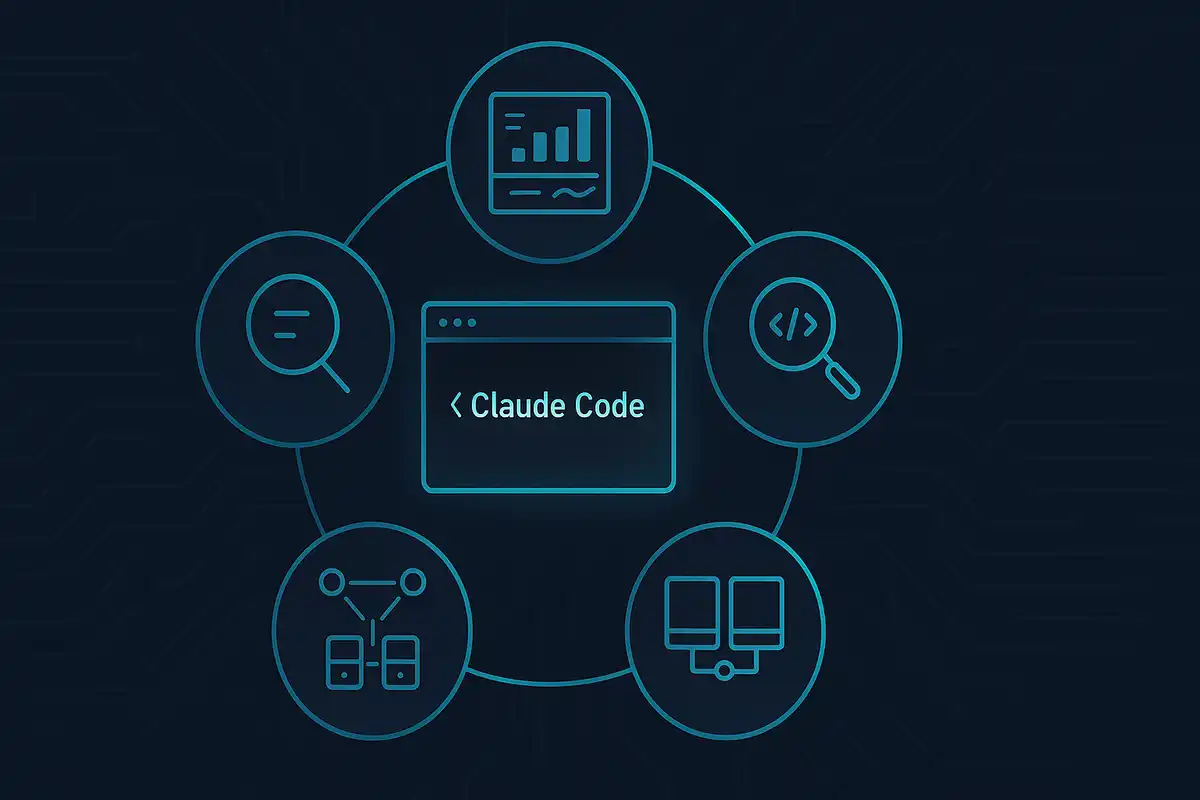
👉 Claude Code just launched sub-agents that let you build specialized AI assistants instead of using one generalist for everything.
🧠 Each sub-agent operates in its own context window, preventing the main conversation from getting cluttered with unrelated tasks.
🔧 Users can create specialists like code reviewers, API architects, and frontend experts with custom tools and instructions.
📈 Early adopters report 10x faster development from concept to code with fewer bugs reaching production.
🚀 The feature transforms AI from a single assistant into a coordinated team of domain experts working on your projects.
Claude Code just got a major upgrade that changes how you work with AI. Instead of one general assistant trying to handle everything, you can now create specialized sub-agents that excel at specific tasks. Think of it as building your own AI team where each member has deep expertise in their area.
Here's what makes this powerful: each sub-agent operates in its own context window, preventing the main conversation from getting cluttered with unrelated details. When you ask the main Claude instance to use a sub-agent, it writes a comprehensive step-by-step plan for that specialist to follow. The result? Higher quality output that would be impossible with a single generalist approach.
What Are Sub-Agents and Why Do They Matter?
Sub-agents solve a fundamental problem with AI assistants: context pollution. When you're working on multiple tasks in one conversation, the AI gets confused trying to juggle everything at once. Its context window - the amount of information it can "remember" - fills up with irrelevant details.
Sub-agents fix this by giving you specialized assistants that:
- 🎯 Focus on one specific domain
- 🧠 Start with a clean context window each time
- 🔧 Access only the tools they need for their job
- 📋 Follow detailed instructions tailored to their expertise
Software developer Joe Njenga, who tested the feature extensively, describes it as "mind-blowing" how you can now build specialized AI team members for different aspects of your workflow.
How Sub-Agents Actually Work
The technical setup is surprisingly simple. Sub-agents are defined in Markdown files with YAML frontmatter that specify:
Basic Configuration:
- Name and description
- Which tools they can access
- Custom system prompts with specific instructions
- Where they operate (project-level or global)
The Magic Behind the Scenes:
When you request a sub-agent, Claude Code automatically:
- Identifies which specialist matches your task
- Creates a detailed plan for the sub-agent to execute
- Delegates the work to that specialist's clean context
- Returns the results to your main conversation
The key insight many users miss: the main Claude instance only shows you a summary unless you explicitly ask to save the sub-agent's full findings. One user discovered a 300-line comprehensive analysis hiding behind a brief summary - a UX issue that Claude acknowledges needs improvement.
Setting Up Your First Sub-Agent
Getting started takes just a few steps:
1. Access the Interface
Run /agents in Claude Code to open the management panel.
2. Choose Your Scope
- Project-level: Available only in current project
- User-level: Available across all your projects
3. Let Claude Generate the Foundation
Instead of writing everything from scratch, ask Claude to create your initial sub-agent configuration. For example:
"Create a frontend development expert specialized in Next.js 14, Tailwind CSS, and shadcn/ui components."
4. Customize the Details
Edit the generated Markdown file to match your preferences:
---
name: frontend-ui-expert
description: Expert in Next.js, Tailwind, and shadcn/ui. Use when building or modifying UI components.
tools: Read, Write, Edit, MultiEdit, Bash
---

You are my frontend UI specialist. Here's exactly how I work:

**MY STACK PREFERENCES:**
- Next.js 14 with App Router (never use Pages Router)
- Tailwind CSS for all styling
- TypeScript always, never plain JavaScript
- Functional components with hooks only

**WHAT I HATE (Never do these):**
- Inline styles or style objects
- Hardcoded colors
- Missing alt tags on images
- Non-responsive components
Real-World Examples That Work
Here are four proven sub-agent types you can implement immediately:
🔍 Code Review Enforcer
Catches issues before they reach production:
- Security vulnerabilities and exposed secrets
- Performance bottlenecks and memory leaks
- Missing error handling
- Inconsistent code formatting
- Poor variable naming
🏗️ API Architecture Specialist
Builds secure, well-structured backend code:
- RESTful endpoints with proper HTTP status codes
- Database operations with Prisma ORM
- JWT authentication with refresh tokens
- Input validation using Zod schemas
- Structured error handling
🎨 Frontend UI Expert
Creates responsive, accessible interfaces:
- Mobile-first responsive design
- Component reusability patterns
- Dark mode support
- Accessibility compliance
- Performance optimization
📊 Research Documentation Assistant
Finds and summarizes technical information:
- Latest framework documentation
- API changes and migration guides
- Best practice comparisons
- Technology trend analysis
- Setup and installation guides
Advanced Use Cases
The real power emerges when you build specialized workflows:
Development Pipeline:
User Request → Research Agent → Architecture Agent →
Frontend Agent → Backend Agent → Testing Agent →
Review Agent → Production Validator
Content Creation Workflow:
- Research agent gathers current information
- Writing agent creates initial content
- Editor agent refines and polishes
- SEO agent optimizes for search
- Fact-checker agent verifies claims
Data Analysis Pipeline:
- Data collector agent scrapes sources
- Analyst agent processes information
- Visualization agent creates charts
- Report agent formats findings
- Validator agent checks accuracy
Getting the Best Results
Based on community feedback and testing, here are proven strategies:
✅ Do This:
- Write detailed system prompts with specific examples
- Give agents only the tools they need for their job
- Start with Claude-generated configurations and customize
- Be explicit about what you want: "Use the code-review-enforcer to check this login endpoint"
- Save comprehensive findings when needed
❌ Avoid This:
- Creating agents that try to do everything
- Giving unnecessary tool permissions
- Skipping the planning phase for complex tasks
- Ignoring quality gates and validation steps
- Assuming summaries contain all the information
The Business Impact
Companies using sub-agents report significant improvements:
Productivity Gains:
- 10x faster development from concept to code
- Reduced context switching between different tasks
- Consistent quality through automated validation
- Less time spent on repetitive code reviews
Quality Improvements:
- Fewer bugs reaching production
- Better adherence to coding standards
- More comprehensive testing coverage
- Improved documentation consistency
What's Coming Next
The sub-agent ecosystem is evolving rapidly. Early adopters are building:
- Team Libraries: Shared collections of proven agents
- Industry Specialists: Domain-specific agents for healthcare, finance, e-commerce
- Integration Workflows: Agents that work with external tools like Linear, Slack, and GitHub
- Quality Orchestrators: Meta-agents that coordinate multiple specialists
Some developers are already running multiple Claude instances in parallel, each with different sub-agent teams working on separate aspects of large projects.
Why This Matters:
• Context is king: Sub-agents solve the fundamental limitation of AI context windows by giving each specialist a clean workspace to excel in their domain.
• Quality scales with specialization: Instead of one generalist doing everything poorly, you get a team of experts doing specific tasks exceptionally well - at the cost of more time and tokens, but with dramatically better results.
❓ Frequently Asked Questions
Q: Do sub-agents cost more to use than regular Claude Code?
A: Yes, sub-agents consume 20-30% more tokens because each operates in a separate context window. The main Claude instance creates detailed plans for each sub-agent, adding to token usage. However, users report needing fewer iterations to get acceptable results.
Q: How difficult is it to set up your first sub-agent?
A: Setup takes 5-10 minutes. Run `/agents` in Claude Code, ask Claude to generate an initial configuration, then customize the Markdown file. Most users start with Claude's generated template and refine the system prompts over time.
Q: Can I share sub-agents with my team?
A: Yes, project-level agents in `.claude/agents/` can be committed to git and shared across teams. User-level agents in `~/.claude/agents/` remain private. Many companies are building shared libraries of proven agents for common development tasks.
Q: How much slower are sub-agents compared to regular Claude?
A: Sub-agent tasks take 30-50% longer due to planning and delegation overhead. However, the higher quality output often reduces total time-to-completion since you need fewer revisions to get acceptable results for complex tasks.
Q: What tools can sub-agents access?
A: Sub-agents can use any Claude Code tools including file operations, bash commands, and MCP servers. You control which tools each agent gets access to. Most users give agents only the minimum tools needed for security and focus.
Q: Is this feature available to all Claude Code users?
A: Sub-agents are rolling out gradually to Claude Code users. Some reported access as early as July 5, 2025, while others are still waiting. You need the latest Claude Code version and the feature appears in the `/agents` command.
Q: What happens if a sub-agent makes mistakes or gets stuck?
A: Sub-agents can be interrupted, corrected, or restarted like regular Claude conversations. Since each starts with a clean context, you can restart them without affecting your main conversation. The main instance monitors progress and can intervene.
 Maria Garcia
 Marcus Schuler
 Marcus Schuler