Someone spent a week building an elaborate N8N automation to generate consistent brand illustrations. Forty hours, maybe more. Nodes connected to nodes. API calls firing into the void. Conditional logic branching like a highway interchange. The kind of system diagram that looks impressive on a whiteboard and makes you feel like a serious engineer.
When the final image rendered, it wasn't just wrong. It was useless. The style bore no resemblance to the guidelines. The objects were hallucinated nonsense, a window with impossible shading, furniture that belonged in no room. He had built a very complex pipe to deliver bad water.
Then he rebuilt the whole thing as a Claude Code skill. Thirty minutes. Better output. Easier to maintain.
That gap, between the complex-but-broken approach and the simple-but-effective one, explains why skills matter. And why most people are using Claude Code wrong.
The Breakdown
• Skills are reusable briefing packets that persist across sessions, unlike prompts that disappear after each conversation.
• "Progressive disclosure" keeps context windows clean by loading only the files Claude needs for each specific request.
• Complex automation workflows often fail because they strip away the AI's reasoning by fragmenting intelligence across nodes.
• Skills can call external APIs, share across teams, and scale through organized folder structures with reference files.
The dossier, not the script
A prompt is a shout. You yell instructions at the model and hope it catches enough to do something useful. A skill is a dossier. You hand the model a briefing packet, and it decides how to execute the mission.
The difference matters. A prompt disappears after one conversation. A skill persists. You build it once, then invoke it by typing /skill-name and Claude knows exactly what you mean. No re-explaining. No copying and pasting instructions. No hoping you remember all the nuances from last time.
Technically, a skill is just a folder. Inside that folder sits a file called skill.md that tells Claude when to activate and what to do. Documentation, scripts, logic, all in one place. The model grabs what it needs. You stop reconstructing context from memory every time you open a new chat.
Anthropic calls this "progressive disclosure," which is a fancy way of saying Claude reads the skill.md first, treats it like a table of contents. If it needs more information, the skill.md points to additional files. If it needs to run code, it can call scripts in the same folder. The intelligence stays with the model. The skill just gives it the right context at the right time.
The context trap
If you use Claude long enough, you notice the degradation. You ask for a frontend change, and the model starts hallucinating database migrations. You request a simple component, and it references backend patterns you mentioned three projects ago. The responses get slower. The output gets weirder.
This is context pollution. Noise wins. The model gets confused.
Most users try to fix it with "Claude Rules," system prompts that get sent with every conversation. But that just makes the pollution permanent. When you ask Claude to design a frontend, it doesn't need your database migration guidelines clogging up the context. It needs frontend context. Only frontend context.
Skills solve this by being selective. Claude scans your available skills and picks the relevant one for your specific request. Ask it to design a frontend, it grabs the frontend design skill. Ask it to review code, it grabs your review skill. The irrelevant stuff stays out of the way.
Context windows have limits. Every irrelevant instruction competes with the signal. Skills keep the context clean.
The other advantage is repeatability. Without skills, you ask Claude to do something complex, it figures out an approach, delivers decent results. Next week you need the same thing. You prompt again. Different approach. Maybe better. Maybe worse. Definitely inconsistent.
With a skill, you capture the approach that works. The style guidelines. The step-by-step process. The verification checks. One good solution becomes a system you can run again.
Stay ahead of the curve
Strategic AI news from San Francisco. No hype, no "AI will change everything" throat clearing. Just what moved, who won, and why it matters. Daily at 6am PST.
No spam. Unsubscribe anytime.
Building your first skill
Start with a folder inside your project's .claude/skills/ directory. Name it something descriptive, like video-scaler or code-review. Inside that folder, create a file called skill.md.
The skill.md file needs three things: a description of what the skill does, instructions for when Claude should use it, and pointers to any additional resources.
Consider a simple example: a skill that scales down videos using FFmpeg. The skill.md explains the capability in plain language, then points to a scripts folder containing the actual Node.js code that does the work. You type "scale down my video to 720p." Claude sees that matches a skill, pulls the instructions, fires the script. No explaining what FFmpeg is. No remembering the flags.
I'll show you what one actually looks like:
# FFmpeg Video Scaling Skill

## Description
Scale down 1080p videos to smaller resolutions using FFmpeg.

## When to use
- User asks to resize, scale, or compress a video
- User wants smaller resolution versions of existing video files

## Process
1. Find the input video
2. Run: `node ./scripts/scale-video.js [input] [output-resolution]`
3. Outputs land in same directory with resolution suffix

## References
- See `scripts/README.md` for options
That's it. Notice what's missing. No massive prompt engineering. No elaborate instructions about how FFmpeg works. The skill trusts Claude's existing knowledge while giving it the specific tools and context for your use case.
Why the automation failed
Back to that illustration project. The N8N workflow broke the process into discrete nodes: receive request, load guidelines, check status, generate concepts, route based on selection, call image API, save file, send notification. Each node did one thing. The logic was explicit and visible on a canvas.
But by fragmenting the intelligence across dozens of nodes, he stripped away the reasoning that makes AI useful. The model couldn't think. It could only execute predefined steps. When the guidelines said one thing and the generated prompt said another, no node existed to notice the contradiction. The pipeline was dumb. Expensively dumb.
The skill approach keeps the intelligence intact. Claude reads the brand guidelines, understands the intent, reasons about what would work, and generates output that actually fits. The human defines the process and the constraints. The model handles the judgment calls.
Automation tools like N8N have their place. Moving data between systems. Triggering actions based on events. Handling tasks that require no reasoning. But the moment your workflow needs to understand context or make qualitative decisions, you want the AI thinking, not just executing steps on a rail.
Organizing complex skills
Dumping everything into one skill.md file defeats the purpose. Structure your skill like a briefing packet with sections.
The skill.md file acts as the cover and table of contents. It tells Claude what the skill does and points to more detailed documentation. When Claude needs specifics, it follows the pointers.
That brand illustration skill from the opening? Worked because it was organized like a reference binder, not a single massive document:
brand-illustrator/
├── skill.md                    (the entry point)
├── visual-world.md             (what objects exist in this brand)
├── aesthetic-guidelines.md     (how things should look)
├── idea-mapping.md             (how to pick what to illustrate)
├── prompts/
│   └── generation-prompt.md    (template for the API call)
├── samples/
│   └── [example images]
└── scripts/
    └── generate.py             (hits Gemini for actual generation)
Claude starts at skill.md. Needs the aesthetic rules? Pulls that file. Needs to see example images? Opens the samples folder. Everything else stays closed. This keeps the context window clean, which, again, is the whole point. It reads skill.md, understands the capability, then dives deeper only when needed. The samples folder gives the model visual examples to match. The scripts folder provides the actual image generation code. Everything stays organized and accessible.
This approach scales. Want to support multiple illustration styles? Add folders for each style. Need to generate images in different frameworks? Create separate reference files. The skill grows without becoming a monolithic mess.
Daily at 6am PST
Don't miss tomorrow's analysis
No breathless headlines. No "everything is changing" filler. Just who moved, what broke, and why it matters.
Free. No spam. Unsubscribe anytime.
Sharing and installing
Skills live in your project's .claude/skills/ directory for project-specific capabilities, or in your global Claude configuration for skills you want available everywhere.
Want to use someone else's skill? Download the folder. Drop it in your skills directory. Restart Claude Code. Type /skills to see what's available. Done.
This makes skills shareable in a way that prompts never were. Export as a zip file, share with teammates, publish to a community marketplace. Claude Code even has a built-in marketplace where you can discover skills others have created.
The real power shows up in teams. One person figures out the perfect code review process, packages it as a skill, and suddenly everyone on the team has access to the same approach. The knowledge is encoded. Portable. No more "how did she set up that automation again?"
The skill creator
Yes, there's a skill for creating skills. Claude Code includes a built-in capability that helps you structure new skills based on research you've already done.
The workflow goes like this: have Claude do deep research on whatever process you want to systematize. Code review best practices. Architecture patterns. Documentation standards. Then invoke the skill creator, point it at the research document, and let it structure everything into a properly organized skill.
The output includes a skill.md file with methodology, reference documents for different contexts, and templates for outputs. Instead of manually organizing all that research, the skill creator handles the structure.
Good skills require thought about organization. What goes in the main file versus the references? How should Claude progress through the process? What outputs should the skill produce? The skill creator gives you a starting point based on proven patterns.
The limits
Skills don't give Claude capabilities it doesn't have. If Claude can't generate images natively, a skill won't change that. What the skill can do is call external APIs that do have those capabilities, like a Python script that hits Google's Gemini API.
Skills also don't guarantee perfect output. They improve consistency and reduce the need to re-explain context, but the model still makes mistakes. You'll still iterate. Tweak instructions. Occasionally get results that miss the mark.
And skills aren't the right tool for everything. Simple, one-off tasks don't need the overhead. If you're asking Claude to write a function once, just ask. Skills pay off when you're doing the same type of work repeatedly and want reliable, consistent results.
Build the first one
Pick one task you do regularly with Claude Code. Something where you find yourself re-explaining the same context, or where inconsistent results frustrate you. That's your first skill candidate.
Create a folder in .claude/skills/ with a descriptive name. Inside, write a skill.md. Tell Claude what the skill does. Tell it when to trigger. List the steps. That's enough to start. You can add the progressive disclosure layers after you see what's missing.
Test the skill by typing /skills to confirm it loaded, then prompting Claude with a request that should trigger it. Watch what happens. Notice where Claude succeeds and where it goes off track. Refine the skill.md based on what you observe.
The shift from "writing good prompts" to "building reusable skills" takes practice. Your first few skills will feel like extra work for marginal benefit. But once you have a library of capabilities you can invoke with a slash command, the productivity gain compounds. Every skill you build is a system you never have to rebuild.
That illustration system now produces consistent, on-brand visuals in minutes instead of hours. Teammates can access the same capability without understanding the technical details. And when the brand aesthetic needs updating, one skill changes instead of dozens of automation nodes.
Frequently Asked Questions
Q: What's the difference between a Claude Code skill and a slash command?
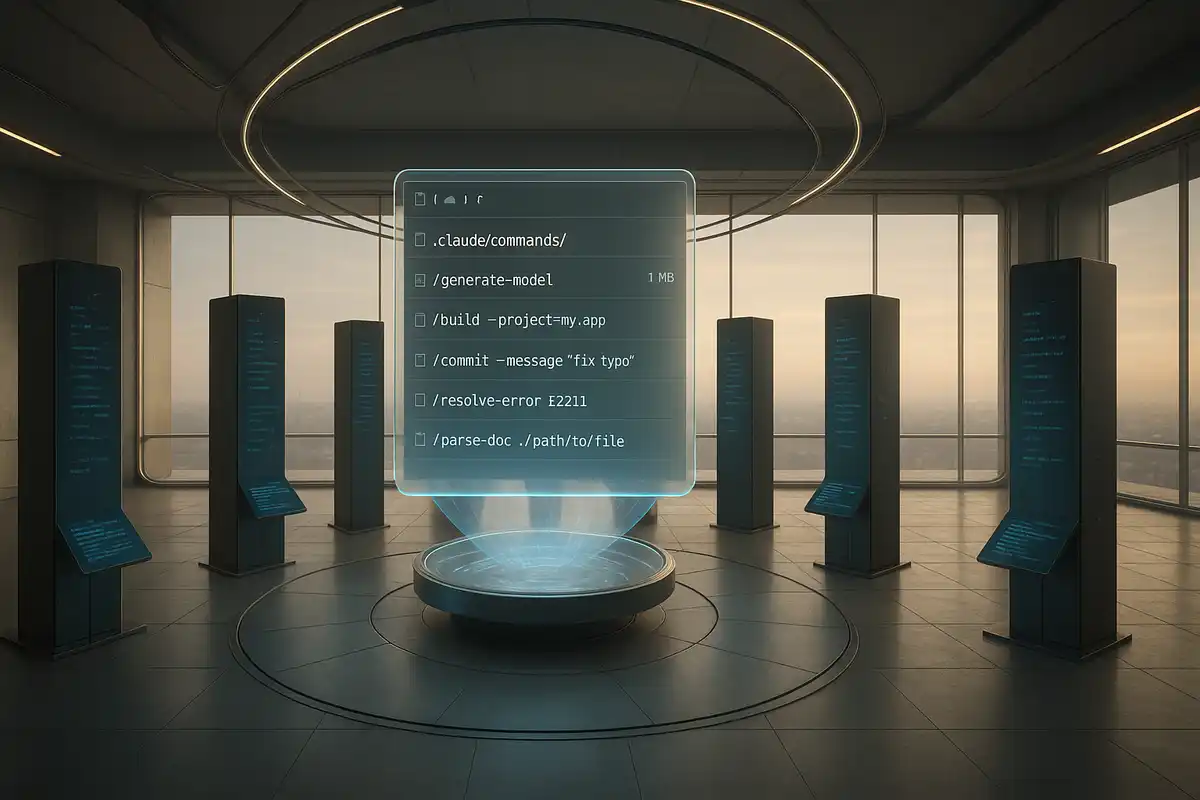
A: Slash commands are simple shortcuts that run predefined prompts. Skills are full systems with their own documentation, scripts, and progressive disclosure. A slash command might run one action. A skill can reason about when to use different resources and adapt to context.
Q: Can skills call external APIs like OpenAI or Google Gemini?
A: Yes. Skills can include scripts in Python, Node.js, or other languages that call any API. The brand illustration example uses a Python script to hit Google's Gemini API for image generation. Claude orchestrates when to run the script based on the skill's instructions.
Q: Where should I put skills, in the project folder or globally?
A: Project-specific skills go in `.claude/skills/` within your project directory. Skills you want available across all projects go in your global Claude configuration. Most teams start with project-level skills and promote useful ones to global after they prove themselves.
Q: How do I share a skill with my team?
A: Export the skill folder as a zip file and share it. Recipients drop the unzipped folder into their `.claude/skills/` directory and restart Claude Code. Some teams commit skills to their repo so everyone gets updates automatically. Claude Code also has a marketplace for public skill sharing.
Q: What happens if my skill.md gets too long?
A: Use progressive disclosure. Keep skill.md short and point to separate reference files for detailed documentation. Claude only loads what it needs for each request. A 50-line skill.md that references five detailed docs beats a 500-line monolith that loads everything every time.