IMPLICATOR
The runkids/skillshare project has reached 2,132 GitHub stars, 131 forks and 163 version tags less than five months after the repository was created on Jan. 14, according to GitHub API data retrieved June 4. The Go tool syncs SKILL.md instruction bundles across Claude Code, Codex, Cursor, OpenCode and other coding assistants from one source directory.
The thesis is that portable agent skills are becoming a configuration layer of their own: once instructions can travel across models, developers need versioning, drift checks, security review and sync in the same way they needed package managers for code. Skillshare is an early bet that this layer belongs below the agents, not inside any one vendor's runtime.
Key Takeaways
- Skillshare syncs SKILL.md agent skills across 60-plus AI CLI tools from one source directory.
- GitHub data show 2,132 stars, 131 forks and 163 version tags since Jan. 14.
- Its audit blocks critical findings, but academic studies show static scans cannot catch every skill attack.
- Vercel skills and desktop managers point to a new agent-configuration tooling layer.
AI-generated summary, reviewed by an editor. More on our AI guidelines.
The June 4 GitHub count
The project describes the problem in the plainest terms in its README: "Every AI CLI has its own skills directory. You edit in one, forget to copy to another, and lose track of what's where." The current tag count gives that pitch a second data point. One hundred sixty-three version tags over 142 calendar days works out to about 1.15 tags a day, a cadence more common in a young infrastructure project than in a settled utility.
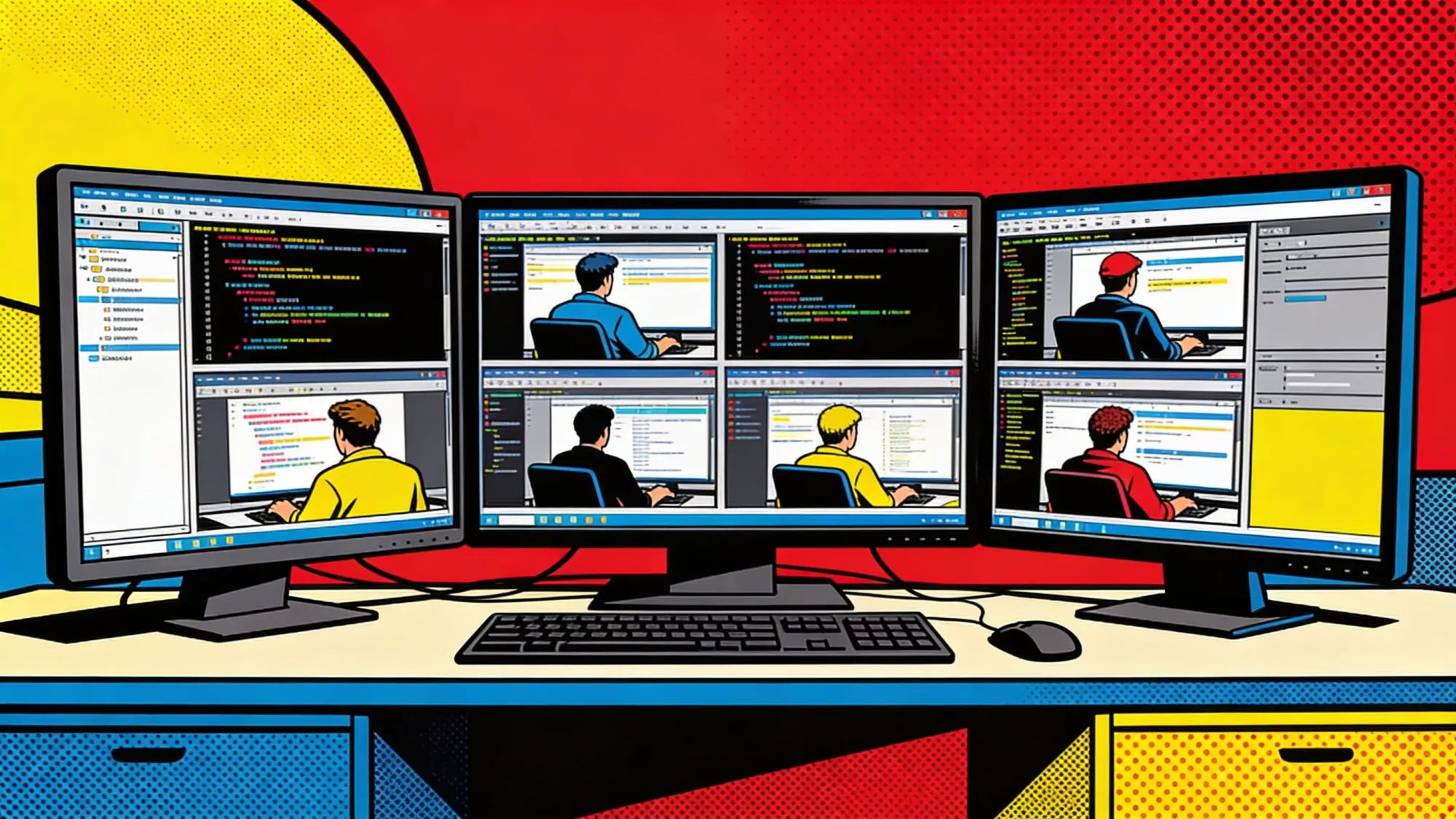
Skillshare's docs frame the distinction against install tools more directly: "Install tools get skills onto agents. skillshare keeps them in sync." The source is one directory. On macOS and Linux that directory sits under ~/.config/skillshare/skills/; on Windows it sits under %AppData%\skillshare\skills\. The sync step creates symlinks on Unix systems and NTFS Junctions on Windows, with copy mode available when links are not practical.
What Anthropic's format left open
Anthropic's Agent Skills writeup says a skill is "a directory containing a SKILL.md file" with instructions, scripts and resources an agent can load when needed. Anthropic standardized the basic file shape. It did not standardize where each coding assistant should store those files, and that omission is where a sync tool can live.
Skillshare turns that gap into a workflow. Its docs say edits made in the target directory flow back through source because "Edit in source → all targets update. Edit in target → changes go to source." That makes a skill closer to a tracked dotfile than to a copied plugin. Project mode adds a second layer: a repository can commit .skillshare/ so each contributor syncs the same project-specific instructions while keeping personal skills separate.
That matters for teams because skill files are not static notes. They accumulate build commands, test rules, deployment habits and recovery steps. A stale copy can tell Codex one thing and Claude Code another.
The install and the daily loop
The README frames setup as a single command. It lists a curl -fsSL .../install.sh | sh line for macOS and Linux, an irm ... | iex PowerShell line for Windows, and a brew install skillshare formula, with skillshare upgrade handling later versions. The two commands that follow are skillshare init, which scans the machine for known agents and writes a config.yaml naming each detected target, and skillshare sync, which creates the links. The docs suggest aliasing the binary to ss for anyone who runs it often.
Day to day, the workflow narrows to one edit and one command. A developer changes a SKILL.md in the source directory and runs skillshare sync; the command is idempotent, so a second run changes nothing, which is what lets it sit inside a cron job or a git hook. New skills arrive from any Git host through skillshare install github.com/org/skills, and skillshare update --all pulls later versions of anything installed with tracking. The skillshare audit command runs the prompt-injection and exfiltration scan on demand, and the README says the same scan fires automatically on every install and update.
Teams get a second mode. skillshare init -p writes a committable .skillshare/ directory, so a repository carries its own review checklists and deployment rules and every contributor lands on the same set after one sync. For developers who would rather not work from the terminal, skillshare ui opens a local web dashboard that lists installed skills, their sync status, and audit results in one view.
Decode the AI agent stack before it rewrites your workflow
Strategic AI news from San Francisco. No hype, no "AI will change everything" throat clearing. Just what moved, who won, and why it matters. Daily at 6am PST.
No spam. Unsubscribe anytime.
The audit claim meets the security record
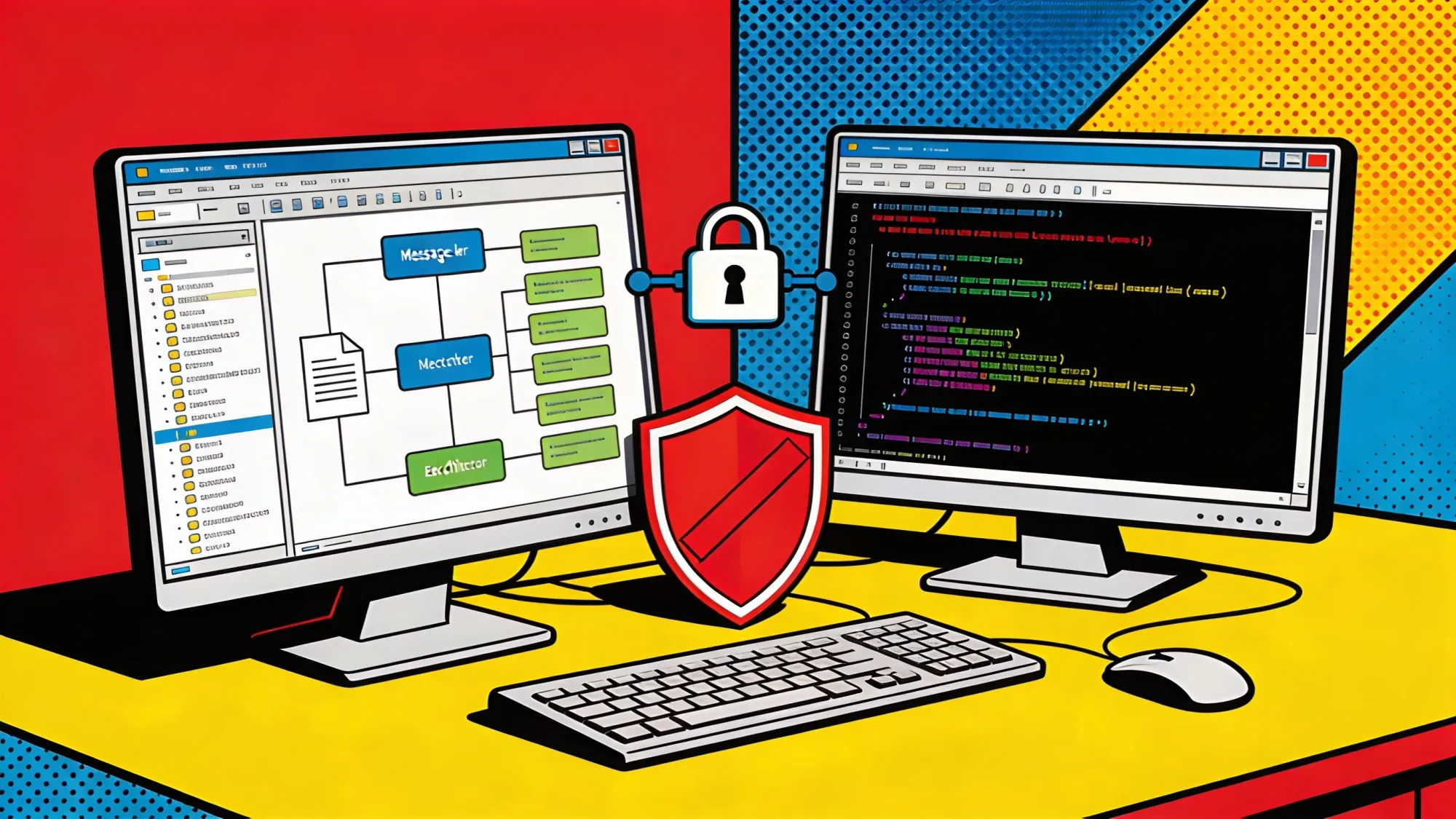
Security is Skillshare's sharper claim. The README says the tool audits skills "for prompt injection and data exfiltration before use," while the changelog says the Feb. 10 audit release scans for prompt injection, credential access, destructive commands, obfuscation and suspicious URLs. "CRITICAL findings block skillshare install by default; use --force to override," the changelog says.
The record complicates the pitch. Anthropic's own security section warns that malicious skills can "direct Claude to exfiltrate data and take unintended actions." A large empirical study of 31,132 skills found that 26.1% contained at least one potentially dangerous pattern, with data exfiltration at 13.3% and privilege escalation at 11.8%. Skills with bundled scripts were riskier: 40.6% of them were flagged, compared with 24.2% for instruction-only skills. The authors caution that the rate captures patterns warranting review, not confirmed malicious skills, and that false positives include legitimate security tools.
Know someone who'd find this useful? ✉️ Email it to a friend in one click, or they can subscribe free here.
A separate prompt-injection paper gives the harder caveat: "Agent Skills are all instructions." That is the skeptical turn. Static scanning can catch obvious bad patterns, but the cited papers argue that Agent Skills blur ordinary instructions and malicious instructions in ways reviewers can miss.
Vercel and desktop rivals
Skillshare is not alone. Vercel's skills CLI calls itself "The CLI for the open agent skills ecosystem" and, as of June 4, says it supports OpenCode, Claude Code, Codex, Cursor and 67 more. It uses the familiar npx skills add shape, which suits one-command installation and discovery. Skillshare's wager is different: convergence after installation, including status, diff, collect and tracked repositories.
Desktop tools are moving from the other side. The skills-manager project advertises "Multi-tool sync" through symlink or copy with a single click, plus Git backup and per-agent badges. That is useful for developers who want visual control. It also confirms the same demand: agent instructions now need their own management plane. Another manager, skills-manage, says it uses ~/.agents/skills/ as the canonical central directory for symlinking skills to individual platforms.
Skillshare's weakness is concentration. GitHub contributor data lists 14 contributors, but runkids accounts for 1,731 of 1,763 recorded contributions. The next test is whether the June release cadence turns into a stable maintenance base as new coding assistants change paths, formats and security expectations.
Frequently Asked Questions
What is Skillshare CLI?
Skillshare is an open-source Go command-line tool that syncs AI agent skills, agents, rules and commands from one source directory into multiple coding assistants.
What problem does Skillshare solve?
Each coding assistant stores SKILL.md files in a different place. Skillshare keeps one central copy and syncs it into tools such as Claude Code, Codex, Cursor and OpenCode.
How does Skillshare sync skills?
On macOS and Linux it creates symlinks from the target agent directories back to the source directory. On Windows it uses NTFS Junctions, with copy mode as a fallback.
Why does Skillshare include a security audit?
Agent skills are instruction files that can also include scripts. A malicious skill can tell an agent to read files, call external URLs or exfiltrate data, so Skillshare scans skills before installation.
How is Skillshare different from Vercel skills?
Vercel skills focuses on one-command discovery and installation. Skillshare focuses on ongoing synchronization, drift checks, collection from targets and project-level sharing.
AI-generated summary, reviewed by an editor. More on our AI guidelines.

Marcus Schuler
Editor-in-Chief and founder of Implicator.ai. Former ARD correspondent and senior broadcast journalist with 10+ years covering tech. Writes daily briefings on policy and market developments. Based in San Francisco. E-mail: editor@implicator.ai